Members Only
OBS Shader - StreamUP Pattern Tiler
StreamUP Pattern Tiler
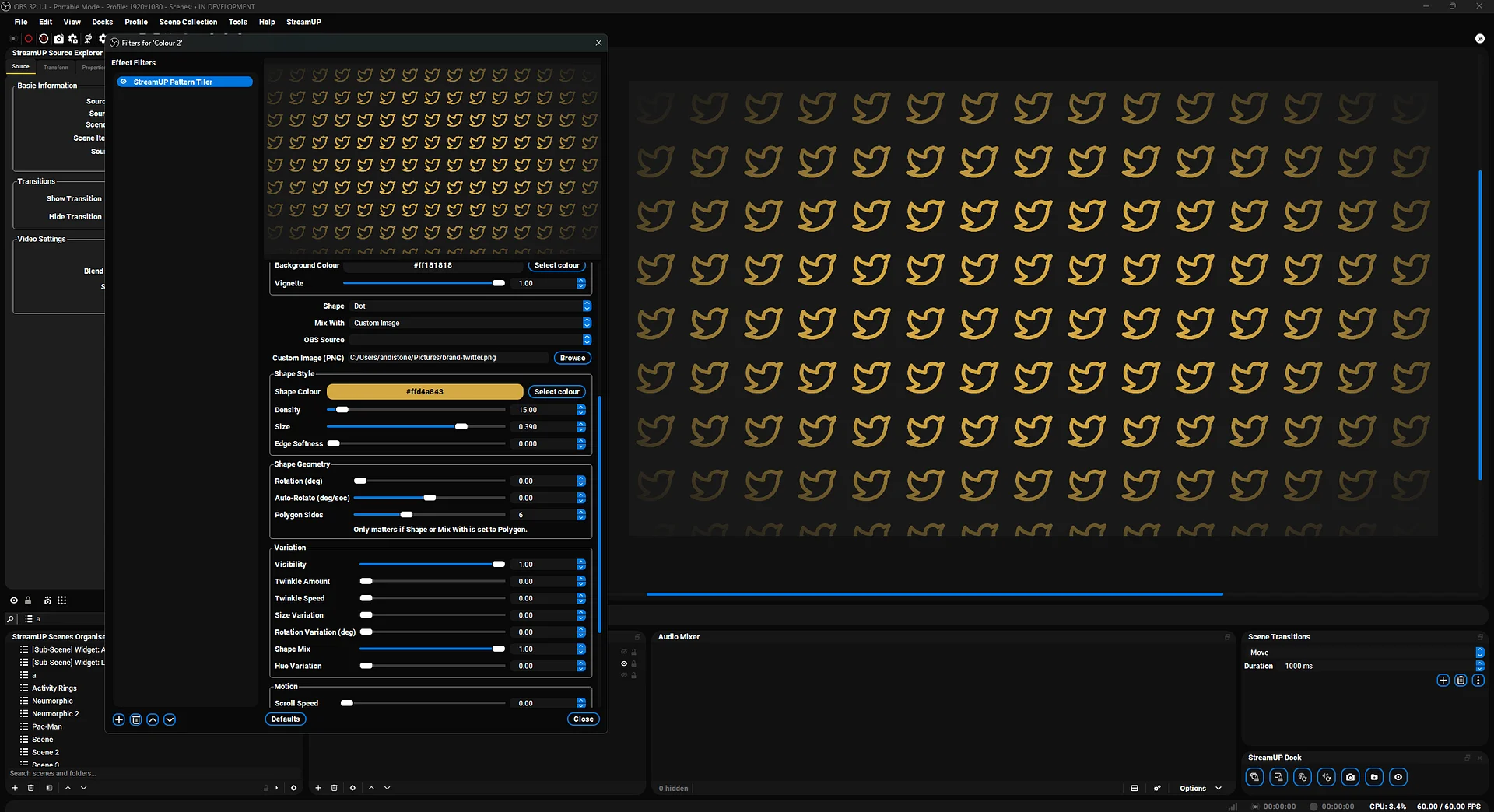
Animated tile patterns for OBS. Drop it on a Colour Source, pick a shape, dial the grid. Done.
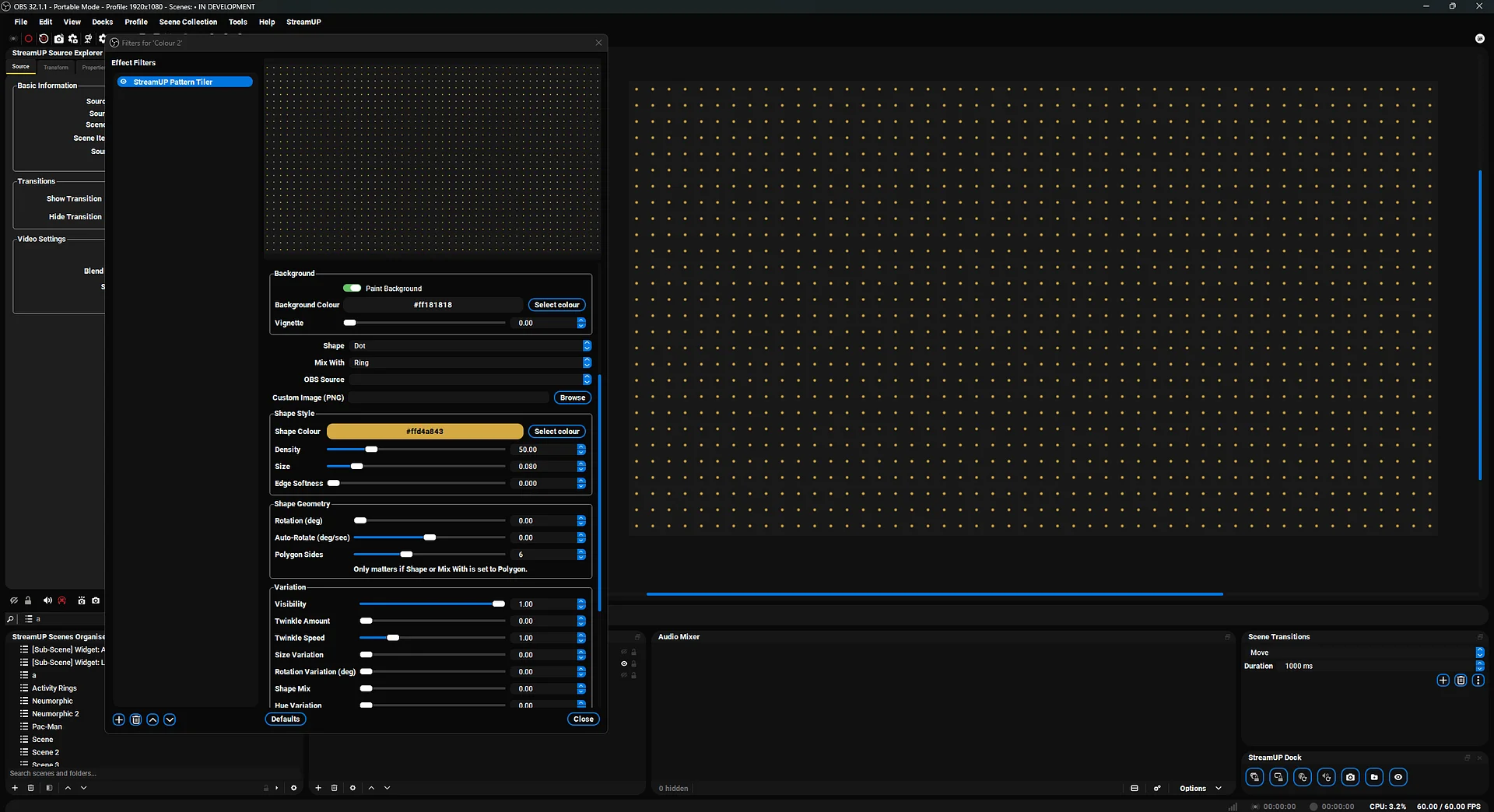
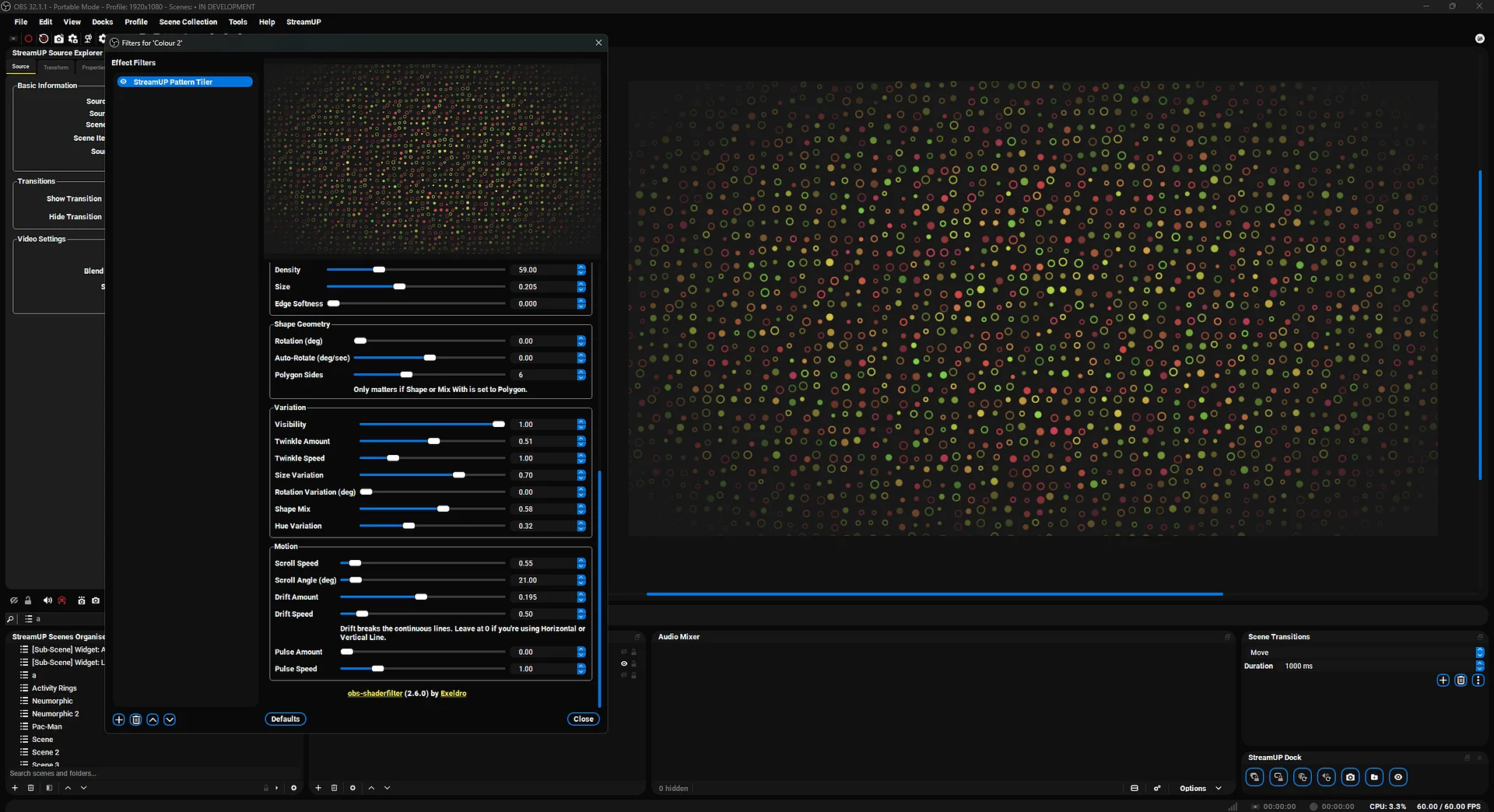
Starting Soon, BRB, ending screens. Each cell is a dot, ring, star, polygon, line, OBS source, or your own PNG. Add motion. Add hue jitter. Mix two shapes if you want.
Features
- 10 shape types. Dot, ring, square, diamond, plus, polygon, star, OBS source, line, custom image.
- Shape mixing. Two shapes across the same grid, each with its own colour. Set the ratio.
- Separate mix textures. Give the second shape its own OBS source and its own PNG, so you can tile 2 different sources, or 2 different images, instead of one of each.
- Aspect presets. Square, 16:9, 9:16, 4:3, 3:4, 21:9, 9:21, plus a Custom option for anything the presets don't cover. No manual masking.
- Grid density. 5 to 200 cells. Anchor to centre, corner, or edge.
- 5 motion types. Scroll, drift, pulse, twinkle, auto-rotate. Stack them.
- Per-cell randomisation. Visibility, size, rotation, hue. Each cell is its own thing, and a Pattern Seed slider reshuffles the whole layout.
- Vignette and cutout mode. Punch holes for reveal effects or fade the edges.
- Edge softness and padding sliders. Tune the look without redrawing anything.
Setup
- Install obs-shaderfilter if you haven't already.
- Download
streamup-pattern-tiler.shaderfrom your member dashboard. - Add a Colour Source to your scene in OBS.
- Right-click the source, Filters, +, User-defined shader.
- Point Shader text file at
streamup-pattern-tiler.shader. - Pick a shape. Dial the grid. Layer your overlays on top.
Patch notes
v0.0.6, 2026-07-29
- Separate Mix Textures. The Mix With shape can now have its own OBS source and its own custom image instead of sharing the primary pair. That means you can tile 2 different OBS sources, or 2 different PNGs, rather than being forced into one of each. Turn on Separate Mix Textures in the Shapes section, fill in Second OBS Source or Second Custom Image, and give it its own aspect. Off by default, so every existing setup renders exactly as it did.
- Second Manual Aspect Ratio slider, for when either of the second aspect dropdowns is set to Custom. The first slider still drives the primary pair, so the 2 texture slots can hold different ratios.
v0.0.5, 2026-07-23
- The scroll fix. With any Visibility, Hue, Size or Twinkle variation switched on, a scrolling pattern used to glitch on a regular beat. The shapes slid along smoothly, but every few seconds their random identities snapped, so the whole grid flickered as it moved. Sorted now. Each cell keeps its own look as the pattern scrolls, so the motion stays clean however long the stream runs. Static, non-scrolling layouts are untouched.
v0.0.4, 2026-07-06
- The big fix: the pattern kept losing its randomness after the filter had been running for a few hours, so drift, pulse and twinkle slowly fell into sync. Sorted now, it stays properly random no matter how long the stream runs.
- Second colour for the mix shape. The Mix With shape can carry its own Mix Colour instead of inheriting the primary's. Off by default.
- Pattern Seed slider. Reshuffles the whole per-cell layout, visibility, size, hue, drift and twinkle, without touching Density.
- Custom aspect option. Both aspect dropdowns gain a Custom entry with a Manual Aspect Ratio slider for sources the presets don't cover, like 32:9, tri-monitor, or odd PNGs.
- Cleaner edges on non-square grids. Anti-aliasing now accounts for both cell axes.
- Lighter render by default. The 3x3 neighbour path only runs when a shape can actually spill past its cell, so low-density and small-shape setups cost less.
Docs and Support
- Full docs: docs.streamup.tips
- Discord and community: StreamUP.tips